
How to Search Clark County Court Records
The main tool for Clark County court records is the Washington Courts Odyssey Portal. It covers Superior Court cases filed in Clark County and other Washington courts that use the Odyssey system. You can search by case number, a person's name entered as Last, First, or a business name. Results can show a case summary, the hearing calendar, and a list of filed documents. Anonymous users see public case information that is not sealed. Documents are not shown to anonymous users. To view filed documents, you must register and receive authorization from the County Clerk. Registration takes up to 14 business days after Clerk approval.
Before you start, gather the facts you have. A full case number is fastest. A party name works, but search results can be broad if the name is common. Have the correct spelling and the Last, First format ready.
- Go to the Washington Courts Odyssey Portal and select the Smart Search tile.
- Type a case number, or enter a party name in Last, First order, exactly as it appears on the case. Business names can be entered as shown.
- Click Advanced Filtering Options to open filter cards. You can narrow by court location, search type, case type, filed date range, and case status.
- Complete the CAPTCHA if the screen shows it, then click Submit.
- In the results list, click a case number to open the court record. If a name appears, click the dropdown to the left of the name, then click Cases to see the case numbers tied to that person.
- To find upcoming court dates, use the Search Hearings tile. Select a location, hearing type, search type, and a date range, then submit.
- To find judgment records, use the Judgment Search tile. Enter a date range, click Search, and then View Judgment to open details.
The Clerk's access to records page sends the public to Odyssey as the first step for any Superior Court case lookup. That page confirms Clark County uses Odyssey for its Superior Court case management. For District Court case records, contact District Court directly, as District Court keeps its own limited-jurisdiction files.
The Washington Courts self-help page on finding court records explains the statewide search system and notes that a case filed in Clark County Superior Court should be searched through Odyssey. The complete court record always comes from the court where the case was filed. The screenshot below shows the Odyssey Portal landing page, where the public search begins.
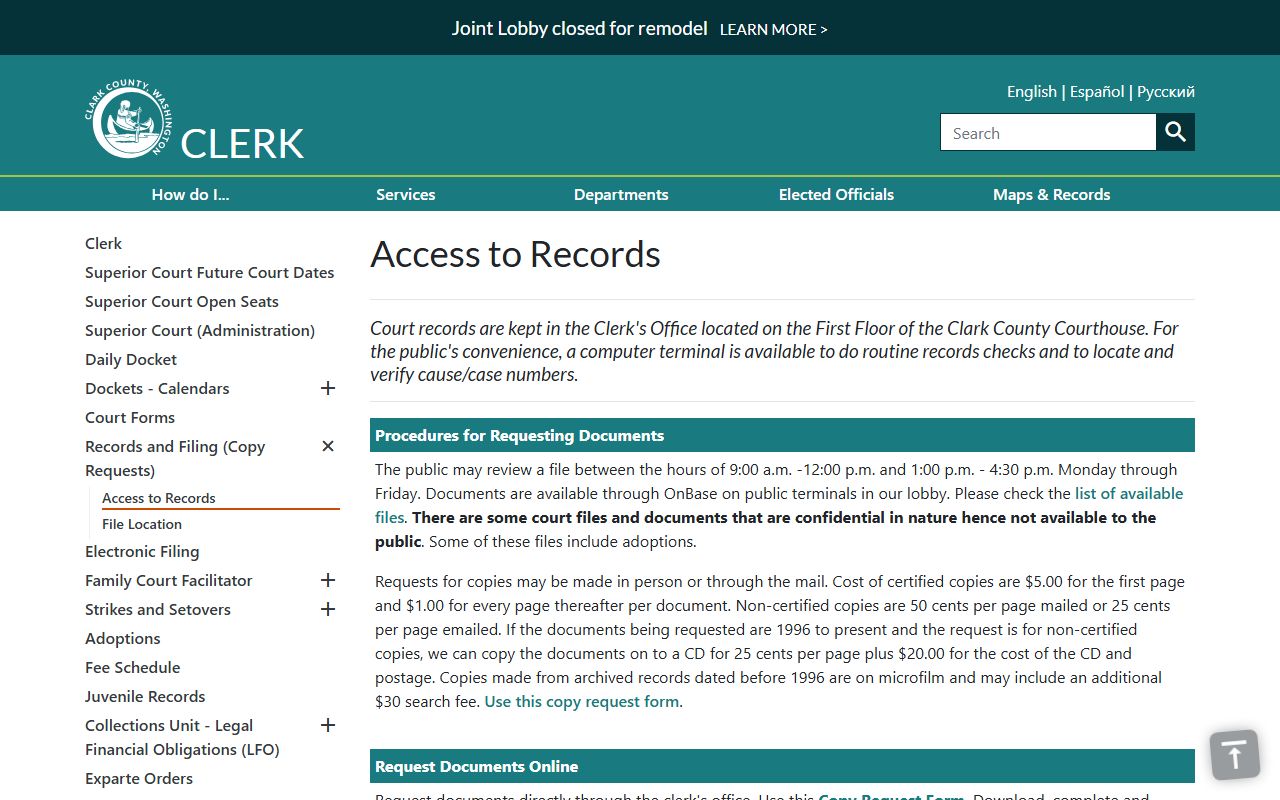
The Clerk access page links directly to Odyssey and explains the steps for obtaining a case number and requesting copies of filed documents from the County Clerk office.
Odyssey Smart Search Fields
The Smart Search screen uses a single text box plus a set of optional filter cards. Each filter narrows your results without slowing the search. Knowing what each field does helps you get a clean result on the first try. The table below lists the main fields from the Odyssey user guide.
| Field | Type | Required | Notes / Format |
|---|---|---|---|
| Smart Search text box | Text | Yes | Enter a case number, party name in Last, First format, or a business name. |
| Search Type | Dropdown | No | Options include Party Name, Case Number, Business Name, Attorney Name, Attorney Bar Number, Case Cross-Reference Number, Citation Number, Judicial Officer, and Nickname. |
| Court Location | Dropdown | No | Select Clark County Superior Court or leave open for all Odyssey courts in Washington. |
| Filed Date / File Date Start | Date | No | Set a start date to narrow results to cases filed on or after that date. |
| File End Date | Date | No | End of the filed-date range. |
| Case Type | Dropdown | No | 1 Criminal, 2 Civil, 3 Domestic, 4 Probate or Guardianship. Appellate types do not display. |
| Case Status | Dropdown | No | Narrows by open, closed, or other status options. |
| CAPTCHA | Challenge | When shown | Complete before clicking Submit when advanced filter cards are open. |
| Submit | Button | Yes | Runs the search after all criteria are entered. |
Registered users get one extra tool: a wildcard. Add an asterisk to the end of a partial name or case number to expand results. For example, "Slat*" returns Slate, Slatt, and Slattery. Anonymous users cannot use wildcards and must register to unlock them. Wildcard minimums are one character in the first name, three in the last name, and four in a case number. Names are not case-sensitive. Soundex, also called Sounds Like, finds names that sound similar and works with business names too. Soundex and wildcard cannot be used at the same time.
Types of Clark County Court Records
Court records in Clark County come from three courts: Superior Court, District Court, and Camas-Washougal Municipal Court. The type of case decides which court holds the file. Superior Court handles the largest category of records because it is the general-jurisdiction trial court. The County Clerk is the official recordkeeper for all Superior Court case files.
District Court keeps its own limited-jurisdiction files and does not use the Odyssey case management system for public search in the same way. If you need a District Court record, contact that court directly at 210 E. 13th Street, Vancouver, WA 98660.
- Criminal records - Felony cases in Superior Court, misdemeanor and gross misdemeanor cases in District Court. Files may include charging documents, probable cause affidavits, arraignment entries, plea forms, motions, judgments, sentences, and legal financial obligation details.
- Civil records - Contract disputes, torts, property rights, writs, injunctions, civil appeals from lower courts or agencies, and other civil case types in Superior Court. Small claims and limited civil cases go to District Court.
- Family and divorce records - Dissolution, legal separation, parenting plans, child support, relocation cases, restraining orders, contempt, and temporary orders, all kept by the Superior Court Clerk. GR 22 limits access to some of these materials.
- Probate and guardianship records - Estates, wills, letters testamentary, inventories, creditor notices, guardianship reviews, and trust registrations filed in Superior Court.
- Traffic and infraction records - Infractions and traffic cases in District Court. Driver record history is a separate file held by the state licensing system, not the court.
- Protective orders - Superior Court daily dockets include protection order dockets. District Court also handles civil protection order filings. GR 22 restricts some of these materials.
- Name change records - Individual, family, and minor name changes filed in District Court or Superior Court depending on the situation.
For more detail on criminal case files and booking records, see the Clark County arrest records page. For traffic citation records, the traffic court records page covers District Court infraction searches.
What Clark County Court Records Show
Opening a case in Odyssey shows several standard fields. Each field tells a different part of the case story. Case numbers follow a specific pattern. The first two digits are the year the case was filed. The third segment is the case type. The last two digits, 06, identify Clark County. So a case number like 21-1-01854-06 is a 2021 criminal case filed in Clark County.
The table below lists the common fields you will find when viewing a Clark County Superior Court case record.
| Field | What It Shows |
|---|---|
| Case Number | Unique case ID in format YY-type-sequence-06. The 06 marks Clark County. Type 1 is criminal, 2 is civil, 3 is domestic, 4 is probate or guardianship. |
| Court Location | Which court and department holds the case, such as Superior Court 3rd Floor Department 12 or 5th Floor Department 9. |
| Filing Date | The date the case opened with the court. |
| Case Status | Whether the case is open, closed, or in another status. |
| Parties | Plaintiff and defendant in civil cases, or petitioner and respondent in family and probate matters. State and defendant in criminal cases. |
| Attorneys | Names of counsel of record shown on some case details and public future-date examples. |
| Charges or Cause | The crime charged in a criminal case, or the legal basis for a civil or family petition. |
| Hearings | Hearing date, time, type, location, department, and judge or commissioner. Types include arraignment, jury trial, readiness, change of plea, drug court, probate docket, and others. |
| Docket Entries | Chronological list of filings and events: motions, orders, continuances, plea entries, sentencing, and judgments. |
| Disposition | The outcome: plea, dismissal, judgment, or verdict. |
| Sentence or Judgment | The penalty imposed in criminal cases, or the money and rights decided in civil cases. May include legal financial obligations. |
| Documents | Available to registered authorized users only. Anonymous users see case information but not filed documents. |
GR 31 requires that personal identifiers such as Social Security numbers, financial account numbers, and driver's license numbers be omitted or redacted from public court records. GR 22 restricts some fields in family, protection order, and guardianship files. What you see online reflects those rules, not the full content of every filing.
The Washington Courts find court records page, shown below, gives background on how to read case information and what to expect from an Odyssey search result.
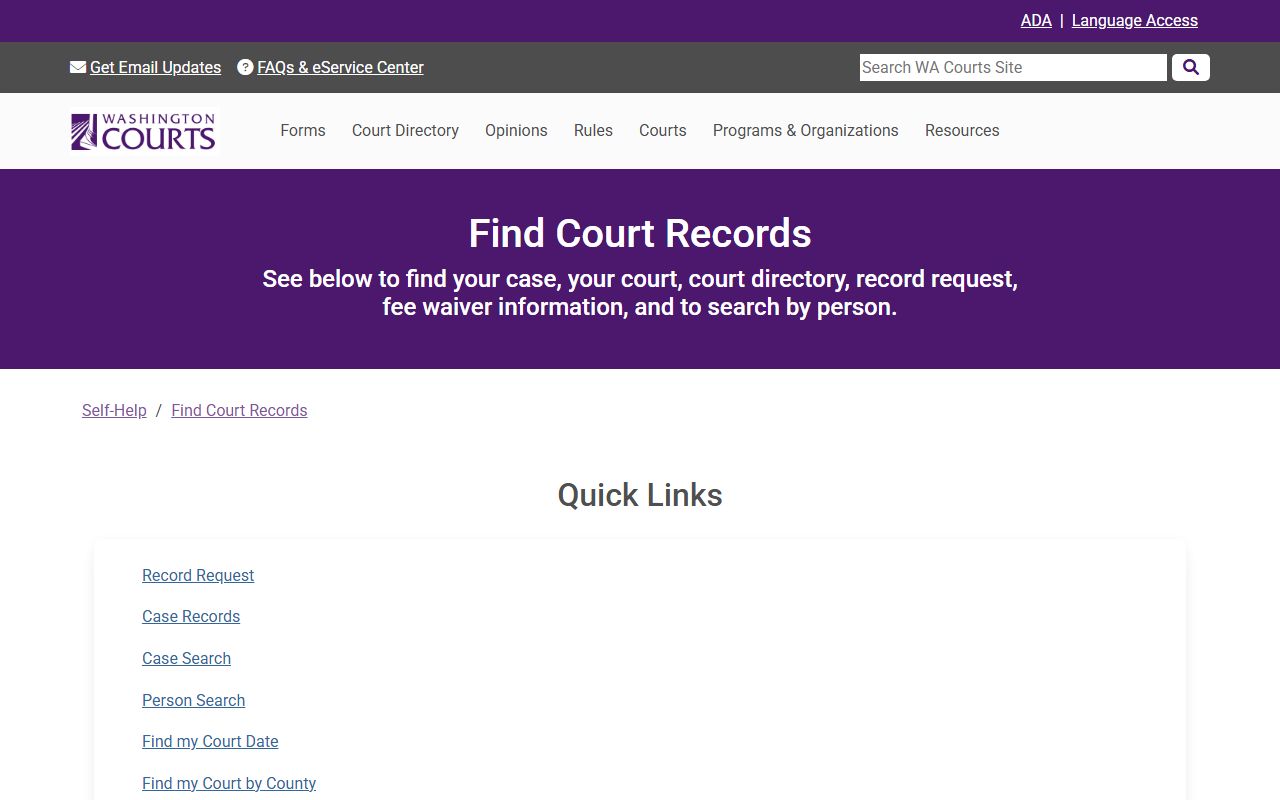
The self-help guide notes that search results point to the official or complete court record and that the full file always comes from the court where the case was filed.
Public Access Framework for Clark County Court Records
Washington uses two separate tracks for open-records law. County agency records follow RCW 42.56.030, which sets a broad open-government policy and says exemptions are read narrowly. Court case records follow court rules instead. The two systems overlap in some areas but they are not the same. The County Clerk holds Superior Court files, District Court holds its own files, and each office uses its own rules and fees. The Public Records Act governs most county department records, while court rule GR 31 covers court case records.
GR 31 is the main rule that governs public access to Washington court records. It states that court records are open to the public unless a specific rule, statute, or court order restricts them. Access is favored. The rule applies to records in any form or storage medium. It also sets the standard for personal identifier redactions: Social Security numbers, financial account numbers, and driver's license numbers must be omitted or redacted from public filings. Clark County Superior Court cases follow this rule, which is why some fields visible in a paper file may not appear in an Odyssey search result.
Key Rules and Statutes:
RCW 42.56.030 - Washington's open-government policy. Exemptions are narrowly construed. Applies to county agency records, not court case files directly.
GR 31 - Governs public access to court records. Favors access. Requires redaction of personal identifiers.
GR 22 - Controls access to family law, protection order, and guardianship records. Works alongside GR 31.
GR 15 - Governs sealing, redaction, and destruction of court records. A judge must order sealing and weigh the request against the public interest.
Anyone can request access to an open court record. You do not need to state a reason. The County Clerk handles copy requests for Superior Court files. District Court handles its own copy requests. Neither office can answer broad legal research questions or create records that do not exist. Requests must seek an identifiable record under RCW 42.56.080.
The GR 31 publication page from Washington Courts, shown below, explains the full framework for court record access and the privacy protections built into the rule.
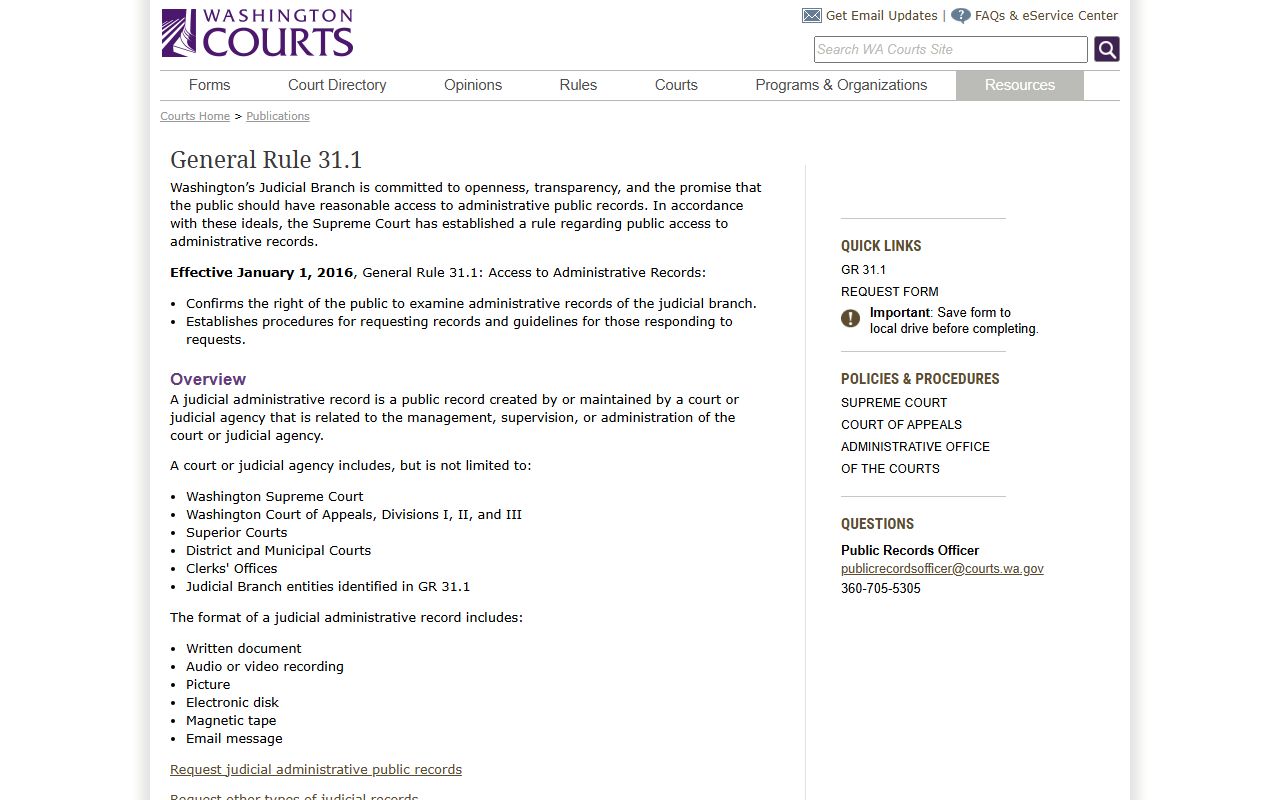
GR 31 applies to court records in any form, whether paper, microfilm, or digital. The rule replaced earlier practices and set a uniform standard across all Washington courts.
Records That Are Sealed or Confidential in Clark County
Not every file at the courthouse is open to the public. Some categories are restricted by statute, and others are sealed by a judge's order. The County Clerk's access page identifies adoption records as confidential and not available to the public under RCW 26.33.330. Juvenile records carry special limits under RCW chapter 13.50. Mental illness commitment records are listed by District Court as a category the public cannot access, and alcohol and drug treatment commitment records fall in the same group. Police reports are not court records at all. You must request those from the law enforcement agency that made the report.
Any file a judge has sealed by order is closed to the public. Sealing and redaction follow GR 15. A judge weighs a sealing request against the public interest before granting it. To view a sealed file, you typically need a court order. If a conviction was vacated under state law, public criminal history may change, but the court file can still hold docket history unless it was sealed separately. Washington uses a "vacation" process for eligible adult convictions under RCW 9.94A.640 for felonies and RCW 9.96.060 for misdemeanors. Vacation changes the public criminal history record but does not automatically seal the court case file.
GR 22 restricts some materials in family law, protection order, and guardianship cases. Personal identifiers, child information, financial source documents, sealed cover sheets, and some confidential reports may not appear in public search results even when the underlying case is otherwise open. For a broader look at what Clark County keeps confidential, see the Clark County public records page.
Note: Non-conviction information held by the Washington State Patrol WATCH system is also not available to the public. Only conviction data can be released without restriction under RCW chapter 10.97.
In-Person Court Record Requests in Clark County
The Clark County Clerk, Scott G. Weber, handles all Superior Court copy requests. You can request records in person, by mail, or by submitting a Copy Request Form by email to copyrequests@clark.wa.gov. In-person review hours are Monday through Friday, 9:00 a.m. to 12:00 p.m. and 1:00 p.m. to 4:30 p.m. The Clerk lobby also has OnBase public terminals where you can view digitized case images. An OnBase subscription gives access to public file images from 1985 forward.
Pre-1996 microfilm records may take longer to pull and can add a $30 search fee to your request. Plan ahead if you need older files. The table below shows the copy fee schedule for Superior Court records.
| Item | Amount |
|---|---|
| Certified copy, first page | $5.00 |
| Certified copy, each additional page | $1.00 |
| Non-certified copy, mailed | $0.50 per page |
| Non-certified copy, emailed | $0.25 per page |
| Pre-1996 microfilm search fee (may apply) | $30.00 |
Certified copies are needed for legal proceedings. They carry a court seal and signature. Plain copies cost less but courts and other agencies may not accept them in place of certified ones. The mailing address for requests is PO Box 5000, Vancouver, WA 98666-5000. The criminal department can be reached at 564-397-2295 for questions about criminal case copy requests.
Clark County Clerk
1200 Franklin Street
Vancouver, WA 98660-5000
564-397-2292
Mon-Fri 9:00 a.m.-4:30 p.m.
Note: Copy fees for court records are set under RCW chapter 36.18 and the Clerk's published fee schedule, not the Public Records Act fee rules used by other county departments.